How to Find an Ergonomic Office Desk?
An ergonomic office desk is designed to support healthy posture and allow users to adjust their position throughout the workday. A properly designed ergonomic computer desk promotes circulation, reduces strain caused by repetitive tasks, and minimizes tension in the neck, shoulders, and lower back.
An effective ergonomic desk also provides ample surface space so frequently used items remain within easy reach. Users should not need to twist, overextend, or make awkward movements to access essential tools. Proper layout and design are foundational elements of strong office workstation ergonomics.
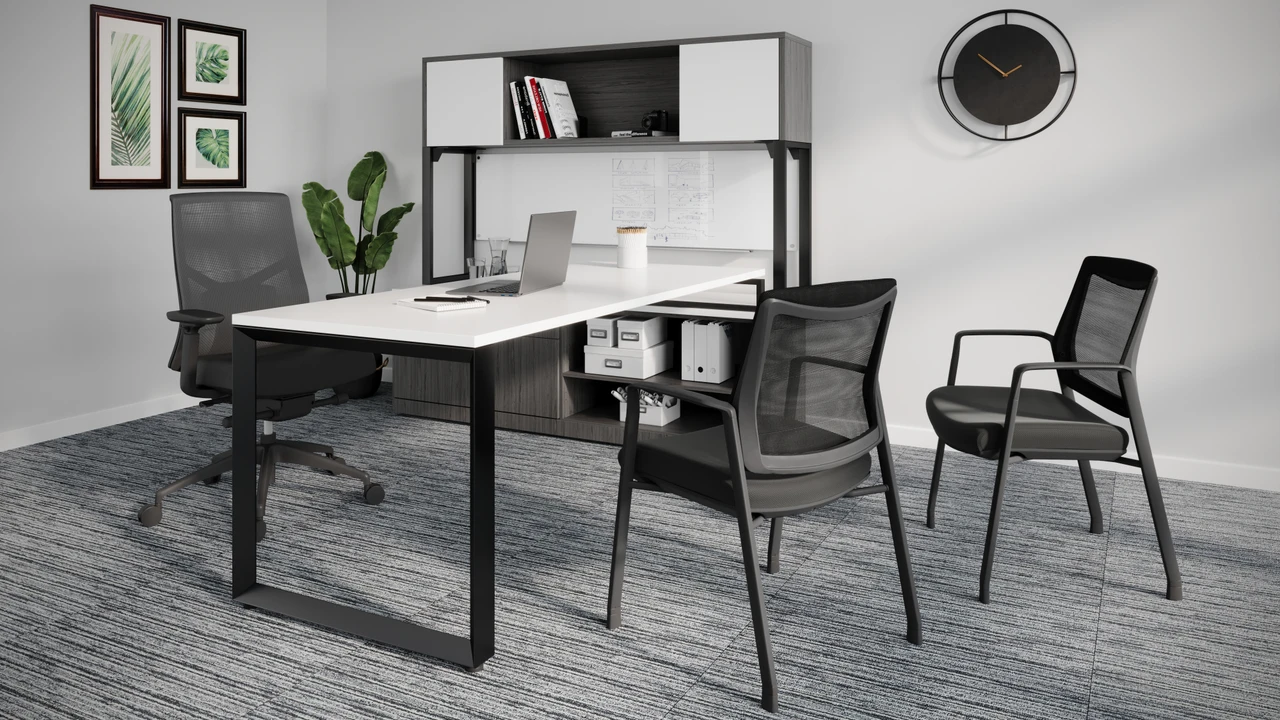
The ergonomic computer desk should also provide the user with sufficient space underneath the computer desk to allow for leg movement with no restrictions. It is not a necessity to have a height adjustment option for your computer desk to be ergonomic. The proper height for an ergonomic office desk is between 26” and -30”. If there is not a height adjustment option, then it is vital to have an adjustable keyboard tray that can correct the positioning of your arms, wrists, and elbows while typing.
Spending long hours at a desk can contribute to fatigue, poor posture, and musculoskeletal discomfort. A well-designed ergonomic workstation desk allows users to shift posture, move freely, and maintain proper alignment during daily tasks.
Good ergonomic office furniture works together as a system — desk, chair, keyboard positioning, and monitor placement — to support long-term comfort and productivity. The goal is to create an environment that supports movement rather than restricting it.
Proper ergonomic office desk height plays a major role in maintaining neutral arm and wrist positioning. The recommended height range for most users is between 26” and 30”.
Height adjustment is not mandatory for a desk to qualify as ergonomic. However, if the desk is fixed height, an adjustable keyboard tray becomes important. This allows proper positioning of the arms, wrists, and elbows while typing.
If the work surface is too high and cannot be lowered, pairing it with an ergonomic office chair can help achieve proper alignment. For users under 5’2”, an ergonomic footrest is recommended to support comfortable leg positioning.
An ergonomic desk setup requires more than just surface space. Adequate clearance underneath the desk is necessary to allow unrestricted leg movement. Users should be able to shift positions throughout the day without obstruction.
The space beneath the desk should remain free of storage boxes, equipment, or other items that restrict movement. Freedom to adjust posture supports healthy office workstation ergonomics and improves overall comfort.
Additionally, all frequently used items should remain within easy reach to avoid repetitive strain from overreaching.
Both adjustable and fixed-height desks can function well, provided they are configured correctly.
The key factor is achieving proper arm positioning and maintaining neutral wrist alignment during typing and computer use.
When setting up an ergonomic computer desk, avoid these common errors:
Attention to these details supports a healthier and more productive work environment.
Follow these quick tips to improve your ergonomic desk setup:
Ready to create the perfect ergonomic workstation? Visit us at NJ Office Furniture Depot to explore top ergonomic office desks and get expert guidance.
We’re closing at 4:00 PM today, October 22, 2026. Feel free to give us a call if you have any questions. Thank you!